- On sale!
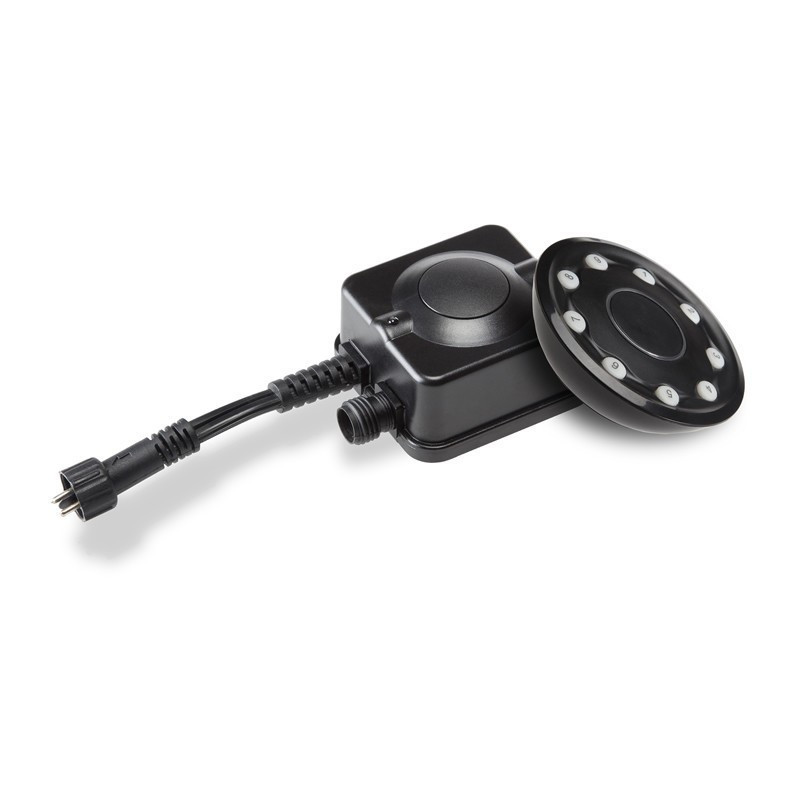


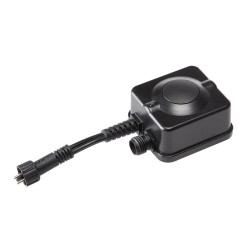
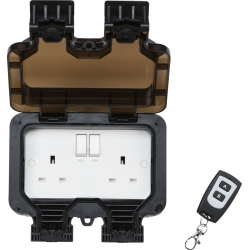
The remote & receiver allows you to remotely switch your lighting on and off. Up to 8 extra receivers (sold separately) can be used with the same remote.
Now include batteries!
 Security policy
(edit with the Customer Reassurance module)
 Delivery policy
(edit with the Customer Reassurance module)
 Return policy
(edit with the Customer Reassurance module)
The receiver can be placed anywhere within the Techmar system but it will only control everything after it in circuit. If you were to connect it directly to the transformer, the male plug would connect to the output of the transformer and the female connector would join with the main cable for your lights.
1. Hold down the middle button on the receiver and hold it down for 5 seconds, the light on the receiver will then start to flash.
2. When this is flashing, press the numbered button which you would like to connect it to.
3. The light on the receiver will stop flashing and it's all ready to use.
In certain instances you may find that the syncing between the remote and receiver has dropped out. This is mainly due to long periods of keeping the system powered down. We recommend always keeping the transformer powered so it holds all the system settings. All our transformers are ECO rated and therefore only consume approx 0.5w of energy in standby mode.
Firstly check to make sure the batteries are working in the remote control. If they are ok, you will need to do a Master reset as follows.
Hold down the middle button on the receiver for just over 15 seconds. The light on the receiver should now have gone off, confirming it has been reset to factory default.
Then re-sync the remote to the receiver by following the steps above in "Programming your remote receiver"
You might also like
The remote & receiver allows you to remotely switch your lighting on and off. Up to 8 extra receivers (sold separately) can be used with the same remote.
Now include batteries!